What makes a video file big?
A video’s size is almost entirely bitrate × length. Bitrate is how much data each second of video uses, usually measured in megabits per second (Mbps). A phone recording 1080p at 30 frames per second typically uses 10–20 Mbps; 4K uses far more. One minute at 16 Mbps is about 120 MB.
Resolution, frame rate and codec matter because they change how much bitrate you need for a good picture, but the file size itself comes from bitrate and duration. That gives you a simple formula:
Size (MB) ≈ bitrate (Mbps) × seconds ÷ 8
So to fit 20 MB, a 30-second clip can use about 5 Mbps, and a 2-minute clip about 1.3 Mbps.
Five ways to make a video smaller
1. Lower the bitrate (the main method)
Re-encoding at a lower bitrate is how compression tools work. Camera bitrates are generous because they’re made for editing; most videos look the same to viewers at a third of the original bitrate. This is what FitVideo’s video compressor does: you choose the size, and it works out the exact bitrate that fits.
2. Lower the resolution
Fewer pixels need less data to look sharp. Most people watch shared videos on a phone, where 720p looks almost identical to 1080p. When the bitrate has to be low, dropping resolution gives a cleaner picture than keeping 1080p and filling it with blocks. FitVideo does this automatically when it helps.
3. Shorten the video
Size grows with length, so trimming is the most powerful lever. Halve the length and you can double the quality at the same size.
4. Remove or reduce the sound
Sound usually takes 128–256 kbps, a small share of the total, but at very small sizes every bit helps. If the sound doesn’t matter, tick Remove sound.
5. Use a more efficient codec
HEVC (H.265) and AV1 need roughly half the bitrate of H.264 for the same quality. The catch is compatibility: H.264 plays everywhere, the others don’t. For sharing, H.264 is the safe choice, and it’s what FitVideo outputs.
What doesn’t work
- Zipping the video. Video is already compressed, so a ZIP file barely changes its size.
- Renaming the file (for example .mov to .mp4). That changes nothing inside the file.
- Compressing the same video again and again. Each pass loses a little more detail. Always start from the original.
Can you compress without losing quality?
Technically, no: smaller always means less data. In practice, yes: if you use the full size you’re allowed, keep the frame rate, and choose a sensible resolution, viewers on phones and laptops won’t see a difference. The only truly lossless way to save space is repackaging (for example MOV to MP4) when the codec stays the same, which doesn’t make the file smaller but makes it more compatible.
How to compress a video in under a minute
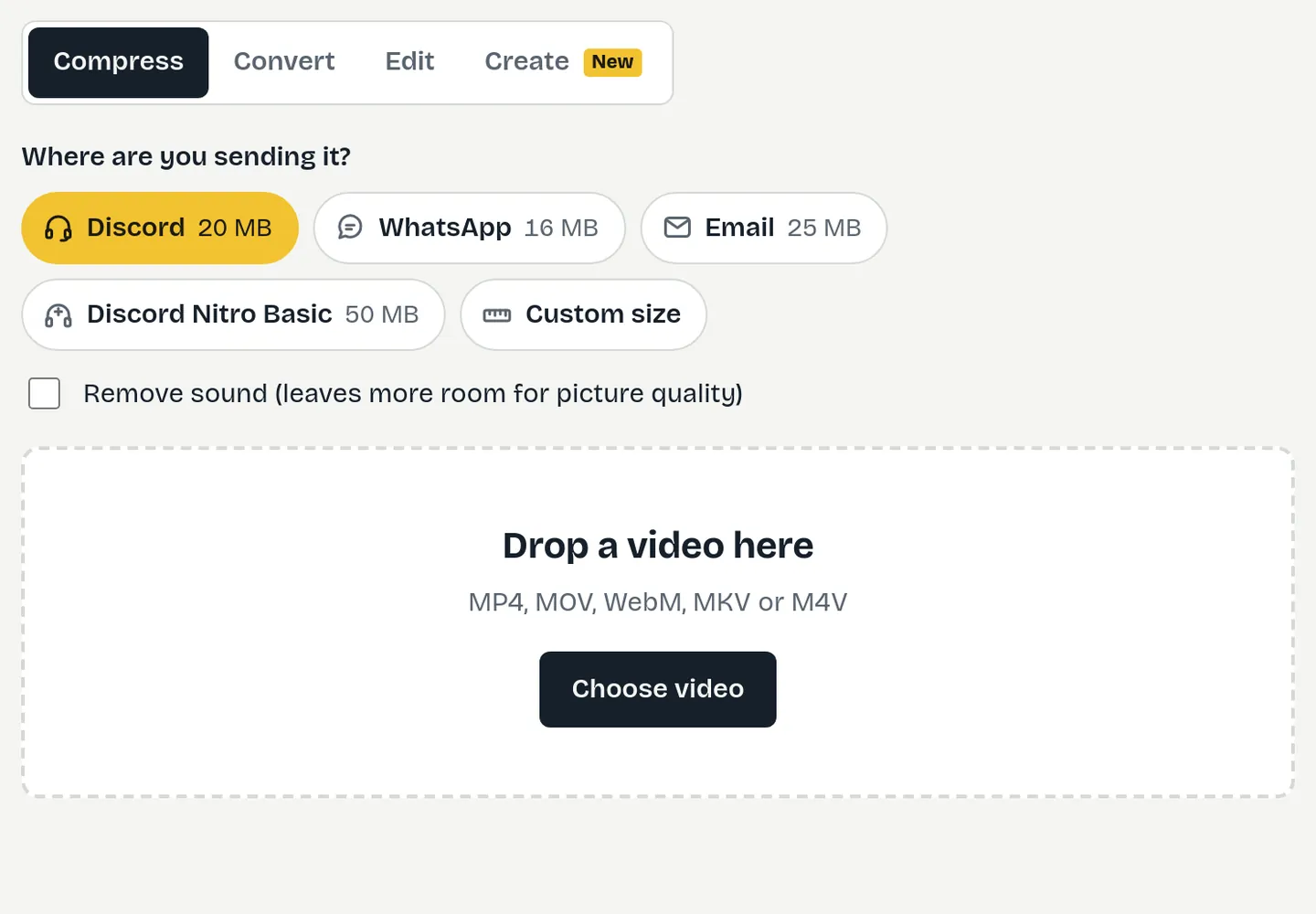
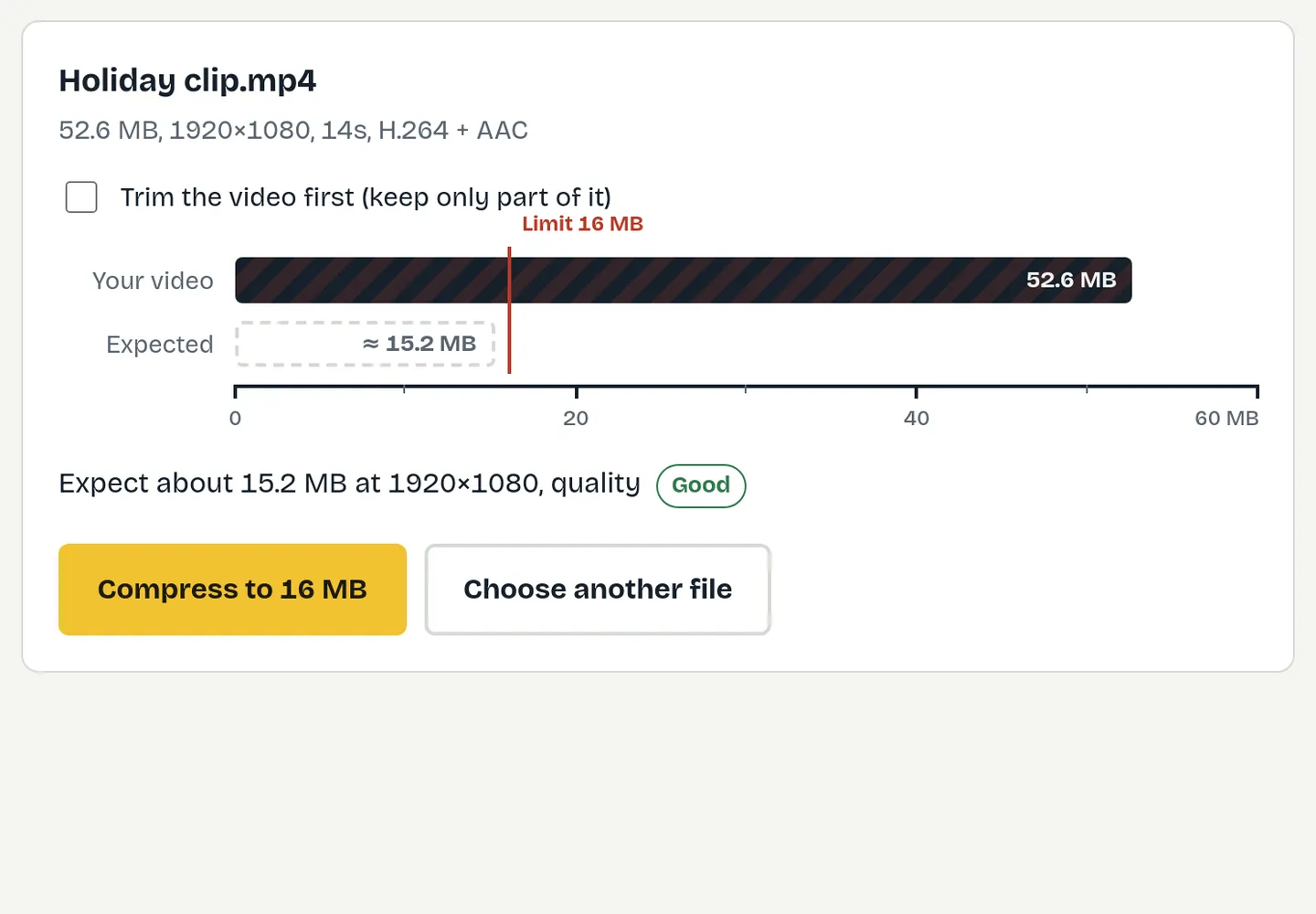
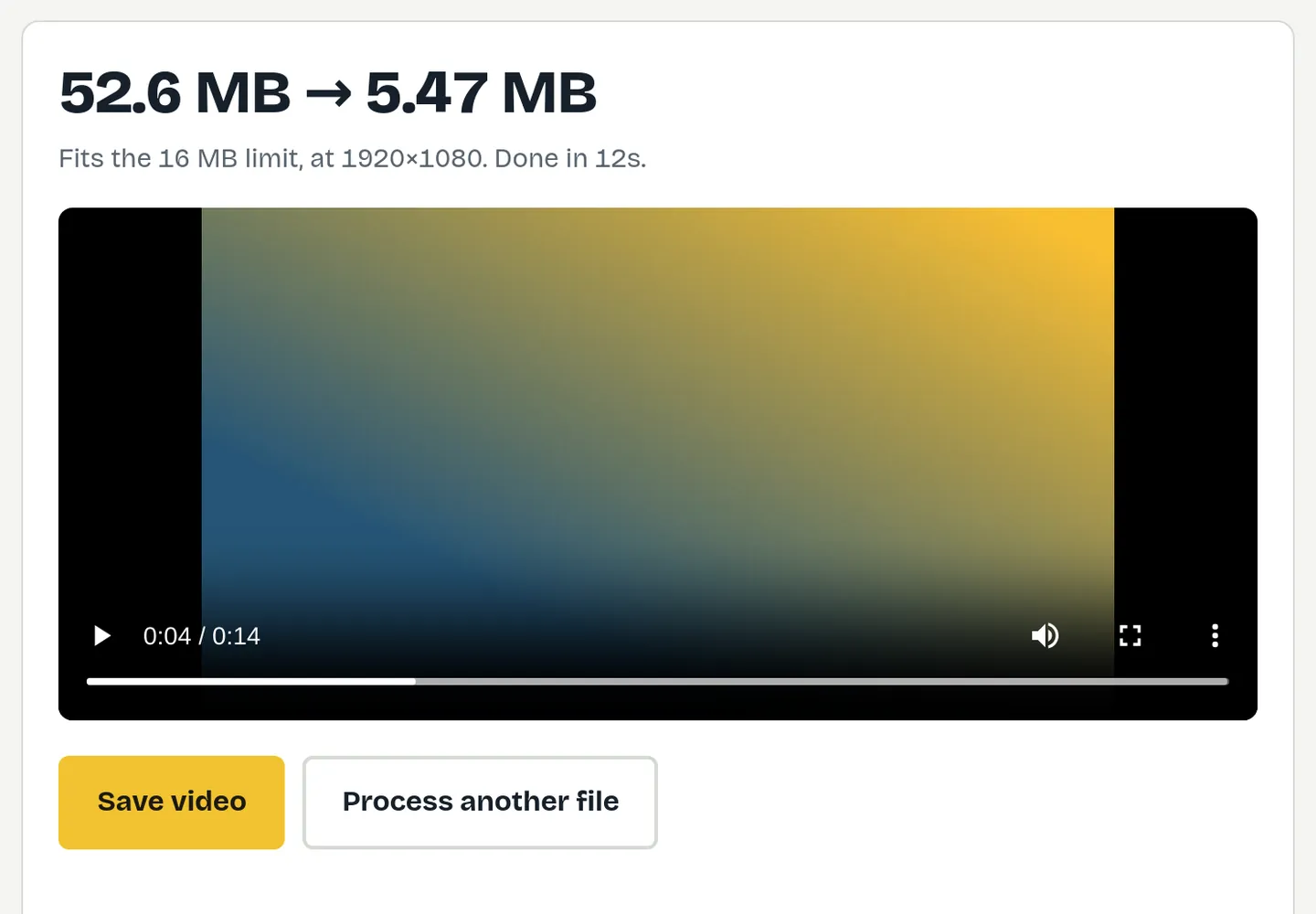
- Open the video compressor and choose a preset (Discord, WhatsApp, email) or a custom size in MB.
- Drop your video in. You’ll see the resolution and quality before anything happens.
- Press Compress and save the MP4. It’s guaranteed to be under the size you chose.
The video never leaves your device, so there’s no upload wait and no file-size cap set by a server.
Common size targets
Quick links for the most common limits: 8 MB, 10 MB, 25 MB, 50 MB, Discord, WhatsApp and email.
How to make videos smaller on your phone
Phones can record at lower settings to save space from the start. On iPhone, Settings, Camera, Record Video lets you choose 1080p instead of 4K, which cuts file sizes dramatically. On Android, the resolution is usually in the camera app’s settings. For videos you’ve already recorded, open fitvideo.app in Chrome on Android, or use a computer.
Free toolTry it now: Video compressor Any size, any videoQuestions
What is the best way to reduce video file size?
Re-encode at a lower bitrate, and shorten the video if you can. Lowering resolution helps when the target size is small.
Does converting to MP4 make a video smaller?
Not by itself. Repackaging MOV to MP4 keeps the same size; compressing is what makes it smaller.
Does zipping a video reduce its size?
Barely. Video is already compressed, so ZIP files save almost nothing.
Is 720p good enough?
For phones and most laptops, yes. It’s the best choice when a small size limit would make 1080p blocky.
Can I compress a video for free without a watermark?
Yes. FitVideo is free, adds no watermark and needs no account.