WhatsApp video limits explained
| How you send it | Size limit | What the recipient sees |
|---|---|---|
| As a video (from your gallery) | 16 MB is the long-standing limit; newer versions may accept larger videos and compress them heavily | Plays straight in the chat |
| As a document (Attach, then Document) | Up to 2 GB | A file to download before watching |
Rules vary a little between app versions and phones, which is why you’ll see different numbers quoted. 16 MB is the size that reliably sends as a normal video everywhere.
Why WhatsApp says your video is too large
Phone cameras record at high bitrates: a minute of 1080p video is often 100 MB or more, and 4K is several times that. That’s far over what WhatsApp sends as a normal video. You’ll usually see a message that the file is too large, or WhatsApp will offer to trim it.
Three ways to send a long video on WhatsApp
1. Compress it to 16 MB (best for most people)
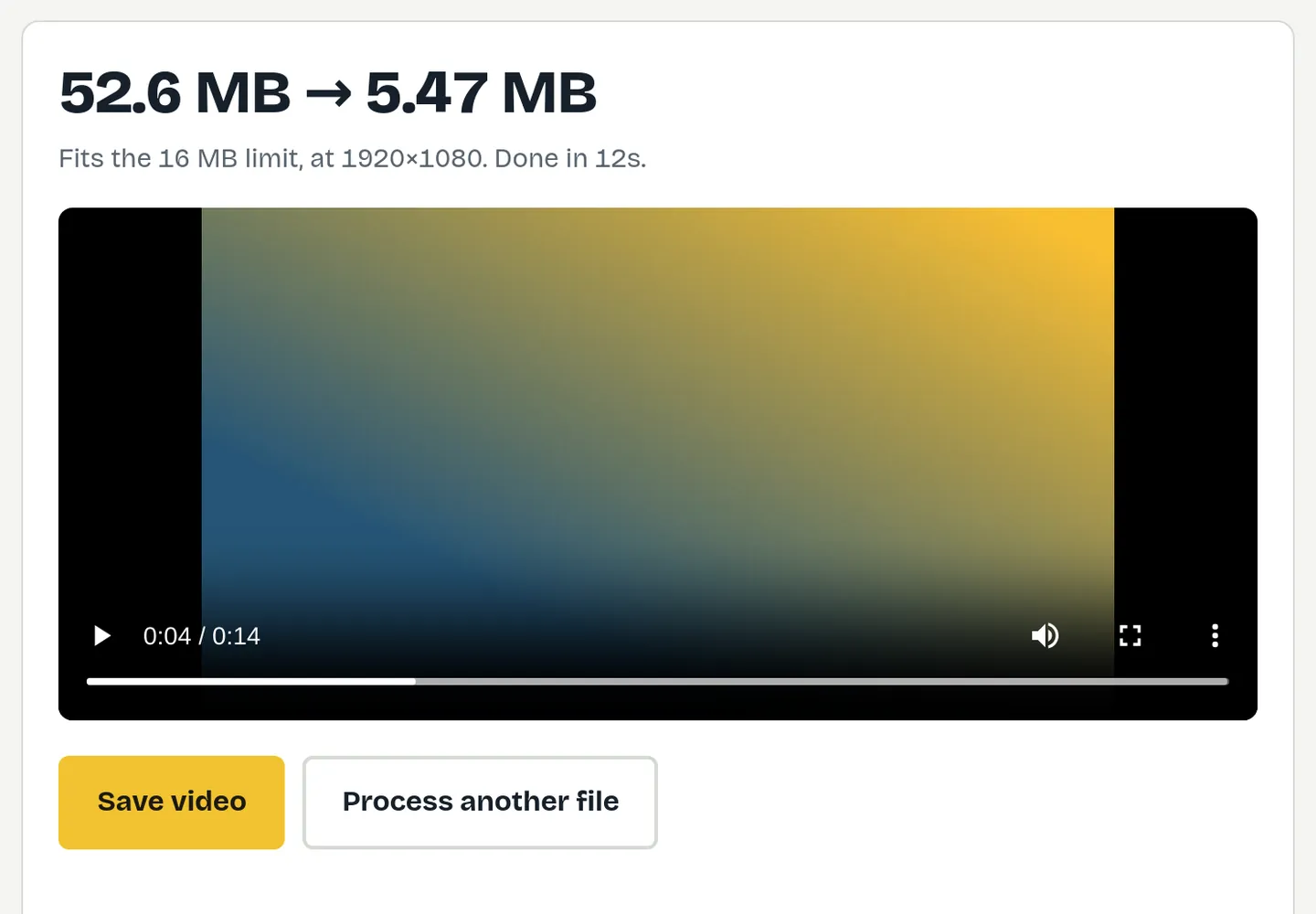
The video still plays in the chat, and you control the quality instead of letting WhatsApp squash it.
- Open the WhatsApp compressor. WhatsApp 16 MB is already selected.
- Drop your video in and check the expected quality.
- Press Compress to 16 MB, save it, then attach it in WhatsApp from your gallery.
2. Send it as a document (full quality)
In a chat, tap Attach, then Document, and choose the video. It arrives at full quality, up to 2 GB, but people must download it before watching. Good for sending originals to family or for editing.
3. Share a link
For very long videos, upload to a cloud service or YouTube (unlisted) and send the link.
Why WhatsApp videos look blurry
WhatsApp compresses videos again on the way to save data for everyone in the chat. The bigger your file, the more it squashes it. Sending a video that’s already a sensible size gives WhatsApp less to do, so it usually arrives looking sharper. Newer versions also let you choose higher quality when sending; a smaller file still sends faster on mobile data.
How much video fits in 16 MB?
| Video length | Resolution | Quality on a phone |
|---|---|---|
| 30 seconds | 1080p | Good |
| 1 minute | 720p | Good |
| 2 minutes | 480p | Fine for a phone screen |
| 3 minutes or more | 360p | Send as a document or link instead |
WhatsApp Status videos
Status updates also have a time limit, and longer videos are split or trimmed. Keep Status clips short, and use the vertical shape so they fill the screen. If you’re turning photos into a Status video, the photos to video tool makes a vertical slideshow that you can then compress.
Troubleshooting
- It sends as a document instead of a video: it’s over the video limit. Compress it, then attach it from your gallery.
- Stuck on “sending”: big files stall on weak connections. A 16 MB file sends in seconds.
- “Format not supported”: some MOV, HEVC and WebM files aren’t accepted. FitVideo always saves a standard MP4 that WhatsApp accepts.
WhatsApp Web and desktop
The same limits apply on WhatsApp Web and the desktop app. Compressing on a computer and sending from WhatsApp Web is often the easiest route for long videos recorded on a camera, a GoPro or a screen recorder: there’s no need to move the file to your phone first.
Sending to a group
In big groups, every member downloads the video, so a smaller file is kinder to people on mobile data. 16 MB is a good ceiling for group chats; for announcements with long videos, share a link instead.
Free toolTry it now: Compress for WhatsApp Get under 16 MBQuestions
What is the WhatsApp video size limit?
16 MB is the long-standing limit for videos sent with a preview. Documents can be up to 2 GB.
How do I send a video longer than WhatsApp allows?
Compress it to 16 MB, send it as a document (up to 2 GB), or share a cloud link.
Does sending as a document keep the quality?
Yes. Documents aren’t recompressed, but the recipient must download the file to watch it.
Why is my WhatsApp video blurry?
WhatsApp recompresses large videos. Sending a video already sized to 16 MB usually looks better.
Can I compress a video for WhatsApp on my phone?
On Android, yes, in Chrome. On iPhone it depends on your iOS version; a computer always works.