Why listing videos are worth it
Video catches attention in social feeds and inboxes in a way a static gallery doesn’t, and short vertical video is now one of the main formats on Instagram and TikTok. For most agencies the barrier is time and cost, not interest. Turning the existing photo set into a video removes both.
Step by step
- Pick 12–20 photos. Use the edited, professional set, not phone snaps.
- Open the property video maker and choose the shape (see below).
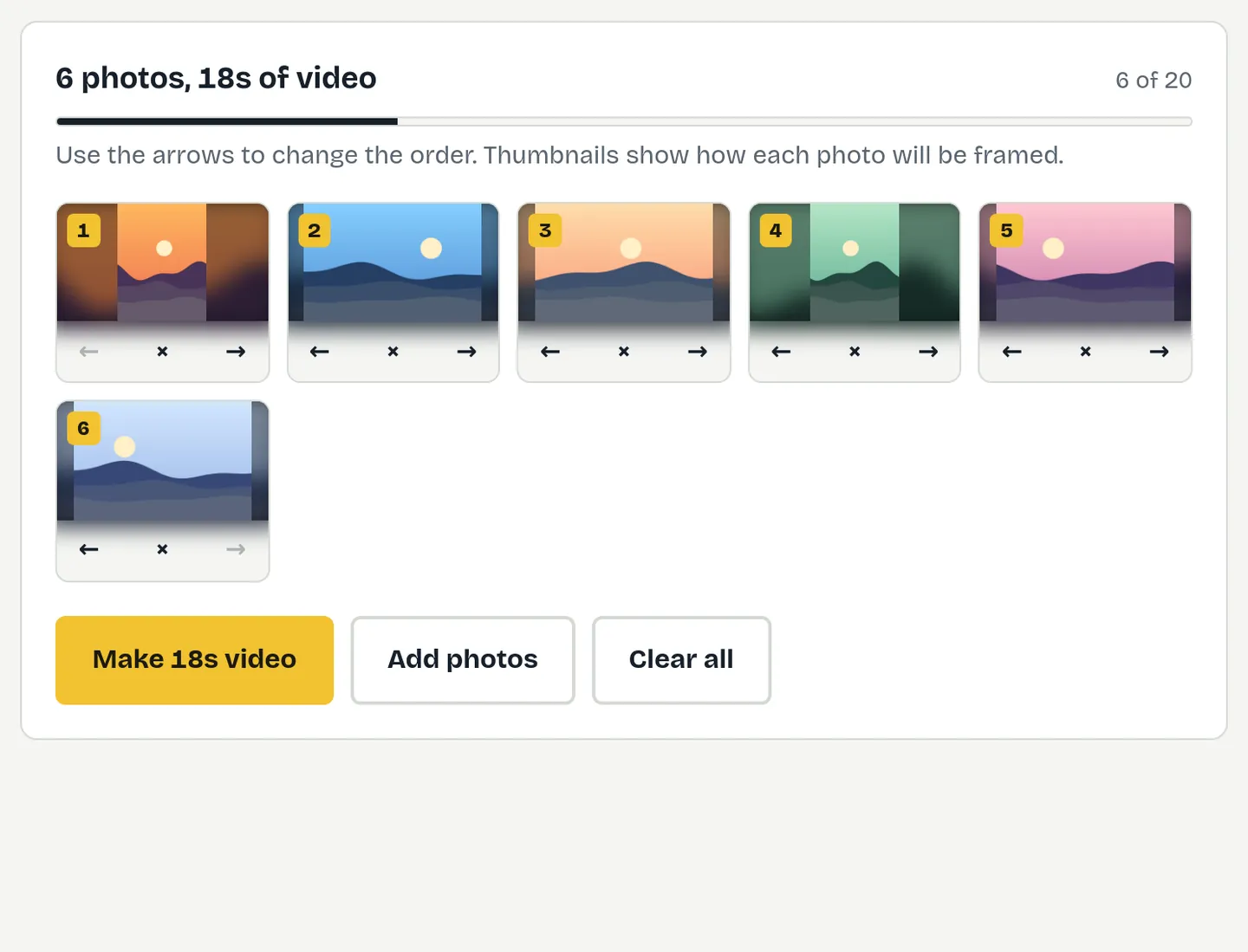
- Add the photos and put them in viewing order using the arrows.
- Choose 3 seconds per photo for social media, or 4 for portals, and keep fades on.
- Press Make video and save the MP4.
The best photo order
Order the photos as a buyer would walk through the home:
- The hero exterior, or the property’s best feature.
- Entrance and hallway.
- Living room, then kitchen and dining.
- Main bedroom, then other bedrooms.
- Bathrooms.
- Garden, balcony, terrace or view.
- The street or local area, or the exterior again to close.
Which shape for each channel
| Channel | Shape | Photos × seconds |
|---|---|---|
| Portals and your website | Landscape 16:9 | 16–20 × 4 seconds |
| YouTube | Landscape 16:9 | 20 × 4 seconds |
| Instagram Reels, TikTok, Stories | Vertical 9:16 | 12–15 × 2–3 seconds |
| Facebook and Instagram feed | Square 1:1 | 12–15 × 3 seconds |
Most listing photos are landscape. In a vertical video, FitVideo shows each one whole over a soft blurred background so no room is cropped out.
Sharing the video
- Portals: check each portal’s current video requirements; many accept an uploaded MP4 or a YouTube link.
- Social media: upload the MP4 directly and put the price, location and key features in the caption.
- WhatsApp to applicants: a 20-photo video is usually 30–50 MB, so run it through the WhatsApp compressor first.
- Email: compress with the email compressor, or link to the YouTube version.
Client photos stay private
Most online video makers upload photos to their servers. FitVideo builds the video on your own computer, so vendor and landlord photos, including interiors of occupied homes, aren’t uploaded, stored or seen by anyone else.
Keep it accurate and licensed
- A listing video is advertising: show the property fairly and avoid anything that could mislead buyers or tenants.
- Check your photographer’s licence covers video and social media use, not just the portal listing.
- Only use music you have the rights to if you add it in another app.
Ideas beyond the listing
Just-sold and just-let round-ups, area guides with local photos, “three homes under £300k” style posts, open-house reminders, and before-and-after refurbishment stories all work well as photo videos.
Photo quality tips
- Use the full-resolution edited photos, not compressed copies downloaded from a portal.
- Keep a consistent look. Mixing bright professional shots with dim phone photos is noticeable in a video.
- Avoid heavy wide-angle distortion. It’s more obvious when photos follow each other quickly.
- Leave out near-duplicates. Two similar angles of the same room slow the video down.
A two-minute routine for every listing
When the photos come back from the photographer: make a landscape video for the portals and website, then a vertical version with your 12 best photos for Reels and TikTok, then compress a copy for WhatsApp. That’s three videos for every listing in a few minutes, with no subscription and nothing uploaded.
Free toolTry it now: Property video maker Listing photos into a videoQuestions
How many photos should a property video have?
12–15 for social media, up to 20 for portals and your website.
How long should a listing video be?
About 30–45 seconds for social media and up to 80 seconds for portals.
Is there a free real estate video maker without a watermark?
Yes. FitVideo is free, adds no watermark and needs no account.
Can I add the price and agent details?
Not yet. Put them in the post caption or listing description for now; text cards are planned.
Are client photos uploaded?
No. The video is made on your device.